

Sparrow Wallet Multisig Setup: Secure Bitcoin Storage
In an era where digital assets like Bitcoin are becoming increasingly valuable, securing them against theft, loss, or unauthorized access is critical. For Bitcoin investors, developers, and security-conscious individuals, understanding and utilizing multisig (multi-signature) wallets is an advanced yet essential step toward safeguarding their wealth. This article will walk you through the process of setting up a multisig wallet using Sparrow Wallet, leveraging multiple hardware wallets for maximum security and flexibility.
Understanding Multisig Wallets and Their Benefits
Before diving into the setup process, it’s essential to grasp what a multisig wallet is and how it enhances Bitcoin security. A multisig wallet requires multiple private keys to authorize a transaction. For instance, in a 2-of-3 multisig wallet, at least two out of three unique keys are necessary to send Bitcoin. This approach offers:
- Enhanced Security: Even if one key is compromised, a hacker cannot access funds without the other keys.
- Redundancy: Losing one device or key doesn’t result in the loss of funds, as long as the remaining keys and necessary backups are available.
- Shared Access: Ideal for joint accounts or organizations, as multiple parties must approve transactions.
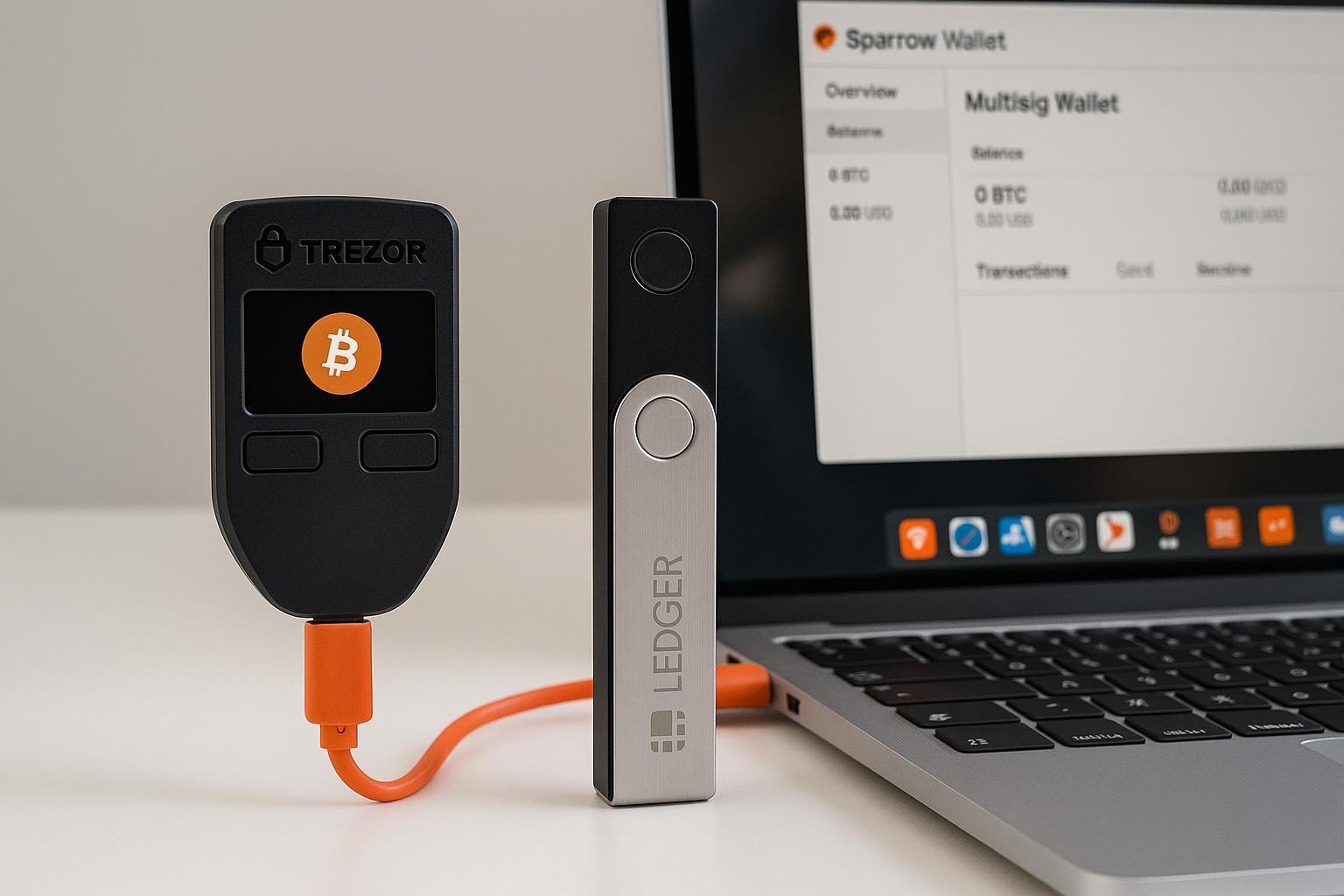
Sparrow Wallet, a Bitcoin-only desktop wallet, provides an intuitive interface for creating and managing multisig wallets using hardware wallets such as Ledger, Trezor, and software-generated keys.
Step-by-Step Guide to Creating a Multisig Wallet on Sparrow Wallet
Step 1: Prepare Your Tools
To follow this tutorial, ensure you have the following:
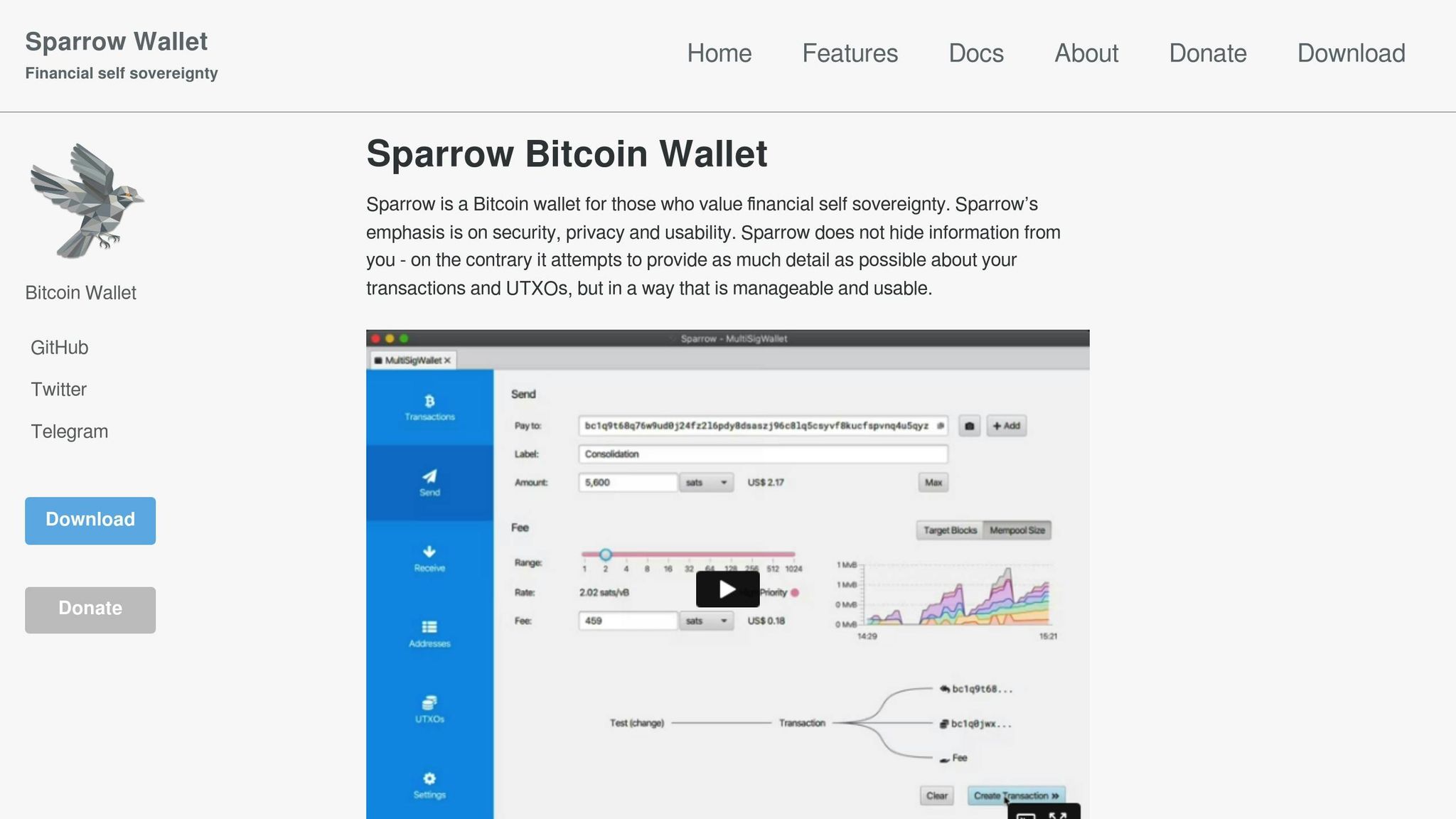
- Sparrow Wallet Installed: Download and verify it from sparrowwallet.com. Verifying ensures the software has not been tampered with.
- Two Hardware Wallets: This demonstration uses a Ledger Nano X and Trezor Safe 3.
- Secure Backup Plan: Be prepared to save critical files and seed phrases securely.
Step 2: Launch Sparrow Wallet and Create a New Wallet
Open Sparrow Wallet and select New Wallet from the main menu. Name your wallet appropriately (e.g., "Multisig Wallet") and ensure you’re connected to the Bitcoin network, either via the public blockchain or your own Bitcoin node for enhanced privacy.
Step 3: Choose Multisig Configuration
In the wallet creation screen:
- Select Multisignature as the wallet type.
- Configure the number of signers (e.g., 2 of 3). This means two keys are required to authorize a transaction out of the three available keys.
Step 4: Add Keys from Hardware Wallets
Adding the First Key (Ledger Nano X):
- Connect your Ledger Nano X to the computer.
- Enter the device’s PIN and ensure the Bitcoin app is installed and activated.
- In Sparrow Wallet, select Connect Hardware Wallet and press Scan. The Ledger’s key will be detected.
- Import the key and rename it for easy identification (e.g., "Ledger Key").
Adding the Second Key (Trezor Safe 3):
- Disconnect the Ledger and connect the Trezor Safe 3.
- Enter the PIN and skip the passphrase (if not configured).
- In Sparrow Wallet, follow similar steps to scan and import the Trezor key. Rename it (e.g., "Trezor Key").
Step 5: Generate a Software Key
For the third key, create a software key directly within Sparrow Wallet:
- Select Create New Software Wallet and choose a 12-word seed phrase.
- Write down the seed phrase securely and import it into the wallet as the third key.
This software key acts as a convenient backup, ensuring that a lost or damaged hardware wallet doesn’t lock you out of your Bitcoin.
Step 6: Save the Wallet Configuration File (Backup)
Multisig wallets require additional backup considerations. While each key’s seed phrase is essential, you also need the wallet’s extended public keys (xpubs) to reconstruct the wallet. Sparrow Wallet generates these in a configuration file or PDF. Save this file in an encrypted storage device or secure location for redundancy.
Sending and Receiving Bitcoin with a Multisig Wallet
Receiving Bitcoin:
- Navigate to the Receive tab to generate a Bitcoin address.
- Share the wallet’s address or QR code to receive funds. Transactions will appear in the wallet’s Transactions section.
Sending Bitcoin:
- Go to the Send tab and paste the recipient’s address.
- Set the transaction amount and fee.
- Create the transaction and connect one of the hardware wallets to sign it. Since this is a 2-of-3 wallet, only one hardware wallet and the software key are required to authorize the transaction.
Critical Security Considerations for Multisig Wallets
Setting up a multisig wallet is not just about following technical steps – it’s about embracing best practices to avoid costly mistakes. Here are some key recommendations:
- Backup Everything: Save the wallet configuration file (xpubs), seed phrases for all keys, and any PINs or passwords in multiple, secure locations.
- Understand the Limits: Misplacing or losing even one key without proper backups can make funds irrecoverable.
- Use Encrypted Storage: Store all sensitive files in encrypted devices or cold storage solutions.
- Test Your Setup: Before committing large amounts of Bitcoin, test the wallet by sending a small amount and performing a restore from backups.
Key Takeaways
- Multisig Wallets Offer Superior Security: Requiring multiple keys significantly reduces risks of theft or unauthorized access.
- Sparrow Wallet Is an Ideal Tool: It combines user-friendly design with advanced features for creating and managing multisig wallets.
- Backup and Redundancy are Critical: Always save xpubs, seed phrases, and configuration files in encrypted and secure locations.
- Flexibility with 2-of-3 Setup: In this guide, a Ledger Nano X, Trezor Safe 3, and software-generated key work together to create a secure multisig wallet.
- Practice Cautious Recovery: Ensure you understand recovery processes thoroughly to avoid losing access to funds.
Conclusion
Bitcoin security is a journey, not a destination. As the digital asset landscape evolves, adopting advanced security measures like multisig wallets ensures you remain ahead of potential threats. Sparrow Wallet, when paired with multiple hardware wallets, provides an excellent platform for this purpose. The setup process is straightforward yet transformative – it equips users with a robust solution for managing and securing their Bitcoin holdings. By investing time in understanding and implementing multisig wallets, you’re not just protecting your wealth – you’re embracing the future of financial sovereignty.
Source: "Sparrow Wallet Multisig | The Most Secure Bitcoin Wallet Set Up 🔐" – Sovereign Money, YouTube, Sep 7, 2024 – https://www.youtube.com/watch?v=7y7rxqib78g
Use: Embedded for reference. Brief quotes used for commentary/review.
Related Blog Posts
- How to Set Up a Bitcoin Multisig Wallet
- 5 Common Bitcoin Security Threats and Solutions
- Keyword Profit Miner
- What Are Threshold Signatures in Bitcoin?
https://app.seobotai.com/banner/banner.js?id=68e78943d96b3d41f68e9bf0