

Emergency Recovery for Multisig Wallets: Checklist
When managing a multisig wallet, losing access to your Bitcoin can be stressful. But with a solid recovery plan, you can regain control quickly and securely. Here’s what you need to know:
- Backup Everything: Store seed phrases, wallet settings, and xpubs in safe, separate locations like fireproof safes or safety deposit boxes. Never keep all backups in one place.
- Test Recovery Regularly: Use a test wallet to practice recovery scenarios, such as a lost device or corrupted backup, to find and fix potential issues beforehand.
- Use Hardware Wallets: These devices keep your private keys offline, adding an extra layer of security. Ensure your wallets work seamlessly with your multisig software.
- Recovery Steps: Verify recovery materials, rebuild your wallet using seeds and settings, and test the restored wallet with small transactions to confirm everything functions properly.
- Post-Recovery Security: Replace old keys, create new backups, and monitor for any suspicious activity to maintain long-term safety.
Tools like BitVault can enhance recovery with features like time-delayed transactions, secret alerts, and hardware wallet integration, giving you more control during emergencies. Preparation and regular testing are key to avoiding permanent losses.
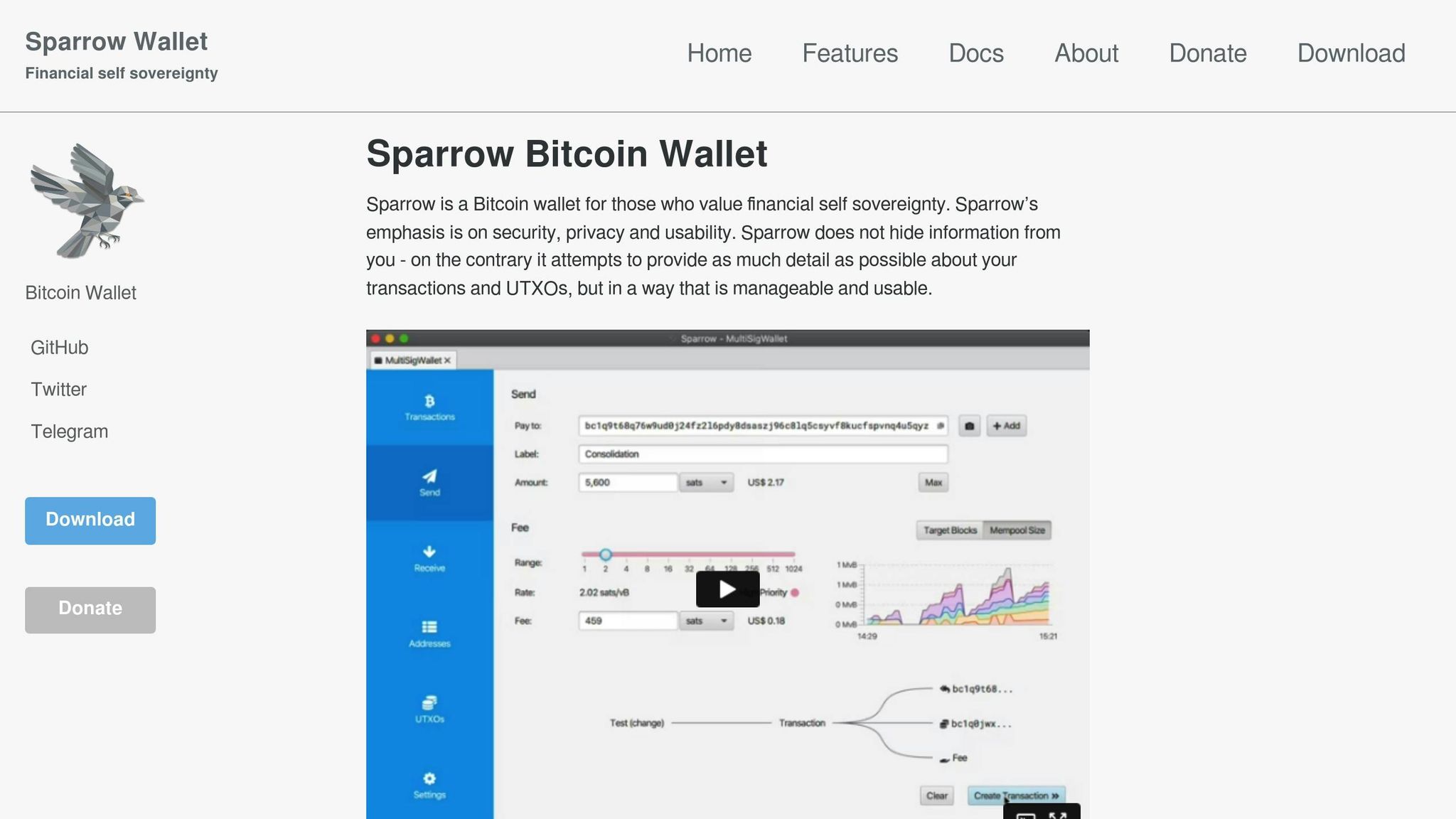
Restoring a 2-of-3 Multisig Wallet in Sparrow from the Configuration File
Get Set for Safe Recovery
When it comes to keeping your Bitcoin safe, getting ready is key. Many people only think of recovery when trouble pops up, and by then, it might be too late. Being ready with safe backups and knowing how to use them is how you stay on top. Here, we cover how to protect your wallet parts, test your recovery steps, and boost safety with hardware wallets.
Safely Back Up All Wallet Parts
Your multisig wallet needs many key parts, and missing just one can lock you out of your Bitcoin. To dodge this, make sure to safely keep every bit of your wallet.
- Seed Phrases: Jot down the 12- or 24-word seed phrases for each device on strong stuff like metal or good paper. Put each phrase in its own safe spot. For instance, if you’ve got a 2-of-3 multisig wallet, you’ll have three different seed phrases, each stored in a different place.
- Wallet Settings and xpubs: Note down wallet settings like who signs and their tool roles, plus extended public keys (xpubs). These bits help check address making without risking your private keys.
- Storage Spots: Use fireproof safes or safety deposit boxes for your backups. Don’t put all parts in one spot. If one place is hit, you could lose access to your whole wallet.
Test Recovery Often
Backups work only if you can use them when you need them. Testing your recovery often makes sure all works right.
- Start with a Test Wallet: Try getting your wallet back with a test wallet instead of your main Bitcoin spot. This finds any lost info, hurt backups, or lost passwords before they turn into big trouble.
- Try Different What-ifs: See how recovery does in different spots, like with a broken hardware wallet or a crashed computer. Would your backup still let you rebuild your wallet? Trying many spots can show weak points in your setup.
- Try Under Stress: Try getting your wallet back in a set time to feel the rush of a real problem. It helps find any slow spots or hitches in your recovery path. Write down any hitches you hit and fix them fast.
Use Hardware Wallets for More Safety
Hardware wallets, like Jade Plus, give an extra wall of safety for your Bitcoin. These tools keep your private keys offline, safe from likely hacks.
In a multisig setup, each hardware wallet holds one signing key. To move Bitcoin, you need to link the needed tools to okay the action. This means a bad guy would need to get into many tools to grab your cash.
- Keep Your Tools Safe: Keep PIN codes and seed phrases apart from your hardware wallets. This makes sure that even if a tool is taken, it can’t be used without the extra info.
- Keep Seed Phrases Ready: Hardware wallets might break, so keep your seed phrases handy. You can use these phrases to get your keys back on a new device or other software wallets if you need to.
- Check if They Fit Together: Before you put a lot of money in, make sure your hardware wallets and your multisig software work well together. Test with a bit of Bitcoin to see if your system works right and all parts are in sync.
Steps to Get Your Bitcoin Back After Trouble
When trouble hits, you need a simple plan to get your Bitcoin back. If your backups work and your tech is safe, you can break down the recovery into three main parts: checking your recovery gear, putting your multisig wallet back together, and testing the fixed wallet.
Check Your Recovery Gear
First, pull together and go over all key recovery items. These often include:
- Seed phrases: The backup keys for your wallet.
- Wallet setup details: Info like how many signatures are needed, roles of co-signers, and special public keys.
- Access stuff: Passwords, PINs, or other login details.
- Hardware wallets or backup data: Make sure these work or can be gotten back.
Make sure all this gear is whole and safe. Checking it right matters a lot to dodge mistakes or being locked out for good. When sure everything’s set, go on to fix your wallet.
Put Your Multisig Wallet Back Together
Once your recovery stuff is checked, the next part is to rebuild your multisig wallet. Here’s what to do:
- Use your seed phrases and wallet setup details to bring back each sign-in device.
- Put in needed info like how many signatures you need, co-signer roles, and the right paths.
- Link up your hardware wallets and make sure they work right.
If your first wallet had extra safe stuff – like wait-time deals seen in systems like BitVault – turn those back on now.
When the wallet is back as it should be, it’s time to make sure it all works right.
Test the Fixed Wallet
Testing your fixed wallet is the last step to be sure all works well:
- Make a few small test moves to check if all parts work together.
- See that your wallet shows the right past moves and that all safe things are working.
- Try out a problem, like if you lost a sign-in device, to make sure the wallet can handle it.
sbb-itb-7e890ce
Stay Safe After You Get it Back
Getting your wallet back is just step one. To keep your Bitcoin safe long term, you need to go further and make your security stronger.
Switch Out Old Keys
If you think your keys might have been seen, don’t risk it. Make new keys for all your devices and set up your multisig again with these new keys. This step will fix any weak spots, keeping your recovery and future safety solid.
Make and Check New Backups
After updating your wallet setup, make new backups. Keep these in several safe spots to lower risks. Then, test them to ensure they work right. A backup is only useful if it can bring back your wallet when you need it.
Watch for Danger
Just because you got your wallet back doesn’t mean you can stop watching out. Look at your transaction history and keep track of who can get into your wallet. Change your passwords and security steps often. If you use tools like BitVault’s alert system, use its warnings to react fast to any odd things. Always being alert is key to keeping your Bitcoin secure.
Using BitVault for Safer Bitcoin Recovery
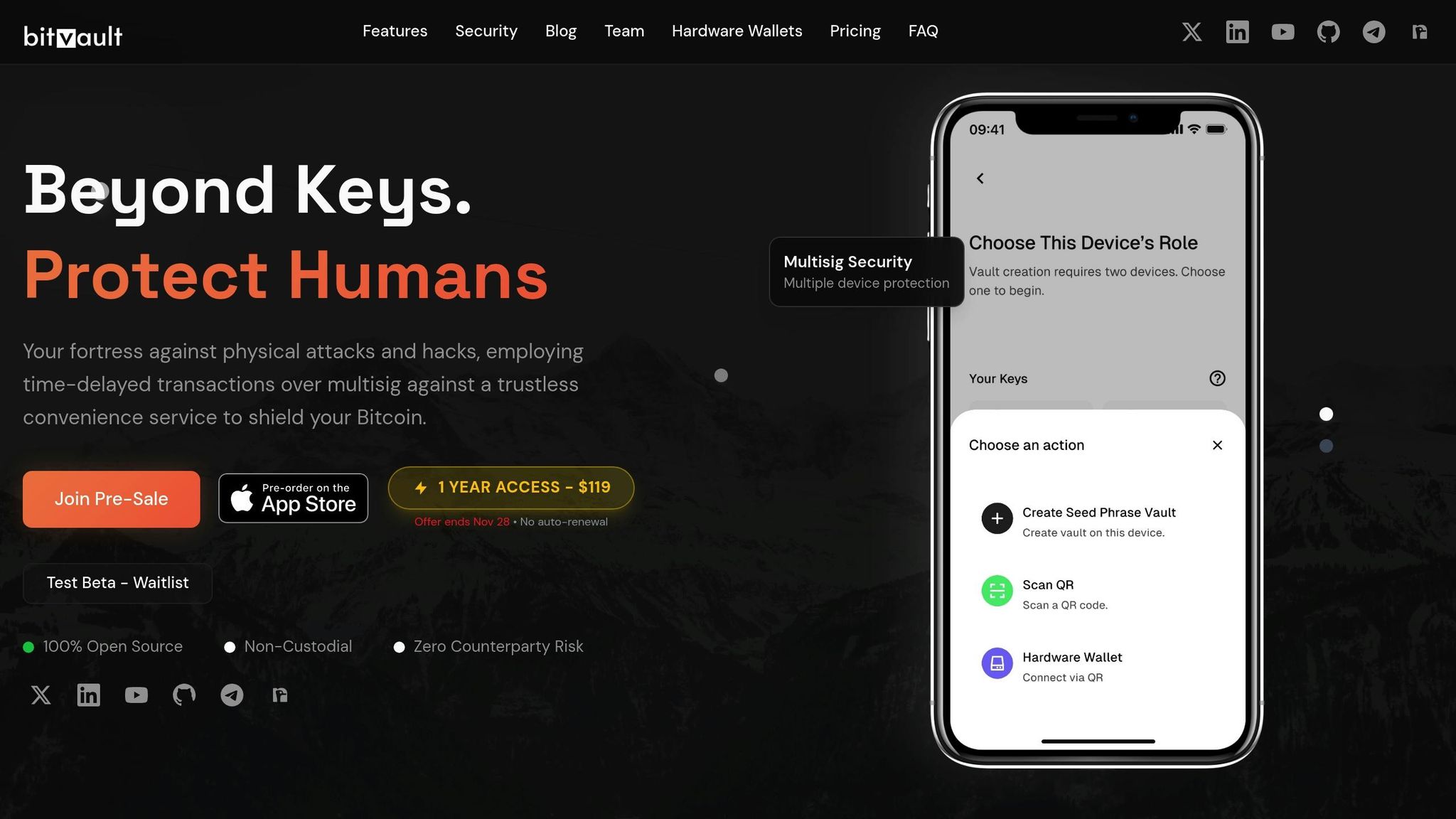
BitVault’s built-in tools help keep your Bitcoin recovery safe and in check. These tools add more safety layers when you are in risky recovery times, and they go well with the recovery steps we talked about before.
Delayed Transactions for Safer Recovery
When getting back into your multisig wallet, time-delayed transactions are a key safe step. With BitVault, any recovery transaction has to wait for a set time before it goes through. This wait lets you check the transaction details and stop it if things seem wrong or forced. This extra time can help keep your money safe, even when the pressure is high.
Secret Alerts for Quiet Warnings
BitVault has a secret alert system that sends coded messages to a trusted device you pick ahead of time. This tool is great in urgent times, as it quietly lets your chosen people know what’s up without showing your moves to others who might pose a threat.
Linking with Hardware Wallets
Adding to the safety that hardware wallets provide, BitVault smoothly works with devices like Jade Plus to make recovery stronger. Hardware wallets keep your private keys away from online risks. During a multisig recovery, BitVault brings these devices into the process automatically, taking care of the tech stuff so you can focus on getting to your money.
You must okay any fund moves on your hardware wallet during recovery transactions. BitVault can also work with many hardware wallets spread out in different spots. This way, if one device gets lost or hacked, you can still meet the multisig needs and take back charge of your Bitcoin.
Summary and Key Points
Recovering an emergency multisig wallet requires thoughtful preparation. Start by securely backing up all wallet components, regularly testing your recovery process, and utilizing hardware wallets for extra security. These steps are crucial to ensuring a smooth recovery and avoiding permanent loss of your Bitcoin.
The recovery process unfolds in three main phases:
- Verify recovery materials: Ensure all backups and components are intact and accessible.
- Rebuild the multisig setup: Use the original parameters to reconstruct the wallet.
- Test the process: Confirm that every step works as expected before moving any funds.
Once you’ve regained access, shift your focus to post-recovery security. Replace any compromised keys, create new backups, and recheck your setup for vulnerabilities. It’s also essential to investigate any potential security threats that may have triggered the emergency in the first place.
BitVault offers features that enhance recovery security, such as:
- Time-delayed transactions: These give you a window to review and cancel operations before they’re finalized.
- Secret alerts: Notify trusted contacts discreetly in case of an issue.
- Hardware wallet integration: Keeps your keys offline for added protection.
Preparation and regular practice are the foundation of successful recovery. By testing recovery steps and leveraging BitVault’s advanced multisig tools, you can turn what might feel like a chaotic scramble into a controlled and secure process. BitVault’s focus on Bitcoin security for 2025 includes integrating time-based features with traditional multisig setups, ensuring robust protection even in high-pressure situations.
Multisig wallets enhance Bitcoin security by requiring multiple signatures and incorporating time-based protections. This layered approach strengthens defenses during both everyday use and emergency recovery scenarios.
FAQs
What should I do if one of my multisig wallet seed phrases is lost or compromised?
If you think one of your multisig wallet seed phrases has been lost or compromised, it’s crucial to act fast to protect your funds. Start by evaluating the situation to understand the level of risk. In many cases, if your wallet requires multiple signatures to authorize transactions, a single compromised seed phrase may not give an attacker access to your Bitcoin.
Once you’ve assessed the threat, the safest move is to create a brand-new multisig wallet with entirely fresh and secure seed phrases. Transfer your funds to this new wallet as soon as possible. Make sure to use trusted hardware wallets and follow strict security practices for storing your new seed phrases. These steps can help safeguard your Bitcoin and provide peace of mind for the future.
How can I confirm my hardware wallets work with my multisig setup before facing an emergency?
Before you fully commit to your multisig setup, it’s a smart move to test your hardware wallets in advance. Make sure each wallet works seamlessly within the configuration and confirm that you can sign and authorize transactions without any hiccups.
Running these tests ahead of time can uncover potential problems and ensure you’re ready to recover your funds if something goes wrong. Periodically reviewing your setup not only keeps everything running smoothly but also gives you confidence that you’re prepared for any unexpected scenarios.
What makes BitVault a better option for multisig wallet recovery compared to traditional methods?
BitVault stands out in the realm of multisig wallet recovery by offering features that elevate security and control. One of its standout tools is time-delayed transactions, a safeguard that lets users cancel unauthorized recovery attempts before they can be completed. On top of that, its secret notification system keeps you in the loop about any suspicious activity, giving you the chance to intervene before any harm is done.
What’s more, BitVault integrates smoothly with hardware wallets like Jade Plus. This combination ensures top-tier security without sacrificing ease of use, making it an excellent choice for protecting your Bitcoin during emergency recovery situations.
Related Blog Posts
- How to Set Up a Bitcoin Multisig Wallet
- Bitcoin Wallet Backup: Complete Security Checklist
- Ultimate Guide to Bitcoin Transaction Security
- Never leave Bitcoin on Exchanges, Learnings from Bitcoin7.com Hack in 2011
https://app.seobotai.com/banner/banner.js?id=6915249760ed14ccdc6b711d